
InVideo AI for Movie Making
Invideo AI
InVideo AI for Movie Making

Videos promoting products and services
short forms of videos on social media,
company presentations,
video posts for the blog,
recipe videos, tutorials, case studies,
video for advertising campaigns (Facebook Ads, YouTube Ads),
video newsletters and content for mailing campaigns.
Influencer AI
Make money on Instagram, Facebook, Youtube or Only Fans.
How does InVideo work? Creating videos from text has never been easier
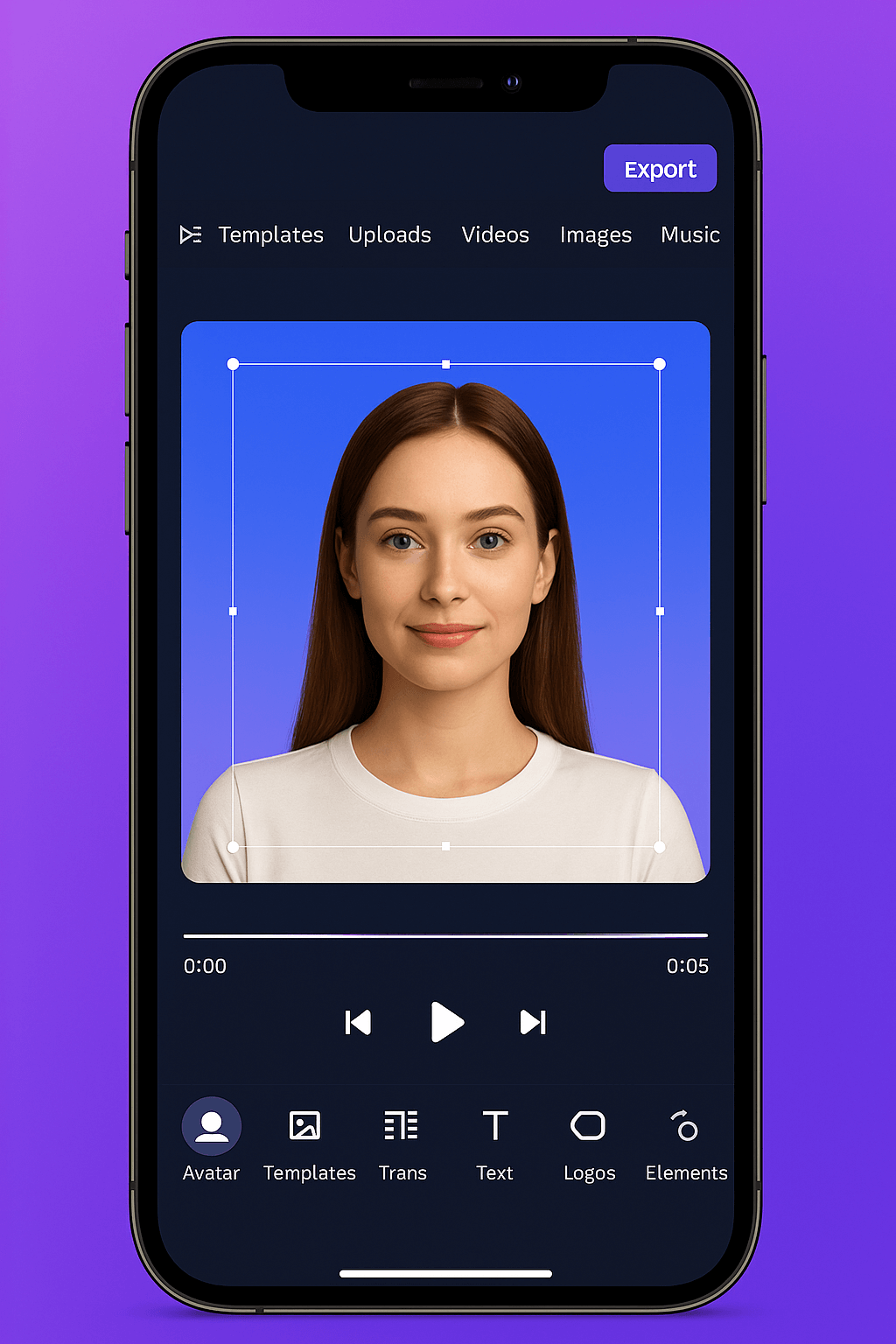

Invideo AI
Who is InVideo for?
Content Creators and SEO Copywriters
Bloggers, article creators, and content writers can instantly transform texts into videos with InVideo, increasing their reach and effectiveness. The video generated from the blog supports SEO and allows you to distribute content on YouTube, TikTok or Instagram.
Marketers and social media agencies
Marketing agencies appreciate InVideo for its ability to quickly create video materials for advertising campaigns, organic posts, and brand storytelling. Instead of days of production – hours. Instead of expensive assembly – automation.
Educators, trainers and course authors
If you conduct training, webinars or online courses – InVideo allows you to create attractive, understandable video materials that can later be embedded in an e-learning platform or YouTube. Thanks to AI, you don’t have to record yourself – all you need is a script.
InVideo in practice – how to use the potential of AI?

Product ad with a call to action (CTA)
Create a short video to promote a product, service, or special offer. Add animated captions, dynamic transitions, music, and a call to action. Videos of this type work well in advertising campaigns on Facebook, Instagram and YouTube.

Animated presentation with AI voiceover
With the AI voice-over feature, InVideo allows you to create a presentation where a voiceover (artificial intelligence) reads your script. Ideal for pitch decks, commercial offers, onboarding or training materials. Professional look + AI voice = instant “wow” effect.

Video tutorial or mini-course
Educate your customers or audience by creating a step-by-step video tutorial, e.g. “How to use the product?”, “How to do a given action?”, “How to get started with…?”. You can add subtitles, AI voiceover, interactive elements, and publish a video as part of a course or a bonus for customers.

Short video forms for TikTok, Reels and Shorts
Video in 9:16 format is currently the most effective format for gaining organic reach. InVideo allows you to create these types of videos from presets with dynamic subtitles, trendy music and visual effects – perfect for viral content.

Frequently Asked Questions About Invideo AI
Is InVideo free?
Yes, InVideo offers a free plan that allows you to create videos with limited features. In the free version, you can test the editor, templates, media library, and export videos with a small watermark. There are also paid plans with additional options like logo removal, 1080p export, and access to premium resources.
Do you need to have editing experience to use InVideo?
No. InVideo was created with beginners in mind. With the drag & drop editor and the Text to Video feature, you can create a ready-made video without any knowledge of graphics or editing programs. Everything is done in the browser and is intuitive even for non-technical people.
What video formats can be created in InVideo?
InVideo allows you to create videos in different aspect ratios:
-
16:9 (horizontal) – perfect for YouTube, webinars, presentations
-
9:16 (vertical) – to TikTok, Instagram Reels, Shorts
-
1:1 (square) – for Facebook and Instagram
You can also export video in 720p or 1080p, depending on your plan.
Can I create videos for commercial purposes?
Yes. Videos created in InVideo can be used commercially, such as for advertising campaigns, product videos, sponsored posts, sales presentations, or online courses. However, it’s worth purchasing the PRO plan to access premium resources and remove the watermark.
Does InVideo work in Polish?
Yes. InVideo’s interface supports multiple languages, and many templates and assets can be customized to accommodate your English content. Also, the AI voice-over function supports the Polish language, albeit with a slight accent – ideal for informative videos, training and presentations.

