
AI Website Generator
AI Website Builder
Find the best ai website builder and build a modern and usable website in minutes. We present a new generation of tools that automate the entire process of creating a website or store: from design, through content, to SEO optimization. You don’t need any technical experience – just a few clicks.
AI Website Builder: Divi AI and Elementor AI
Choose an AI builder tailored to your needs and test it for free. See how easy it can be to create a professional website with AI.
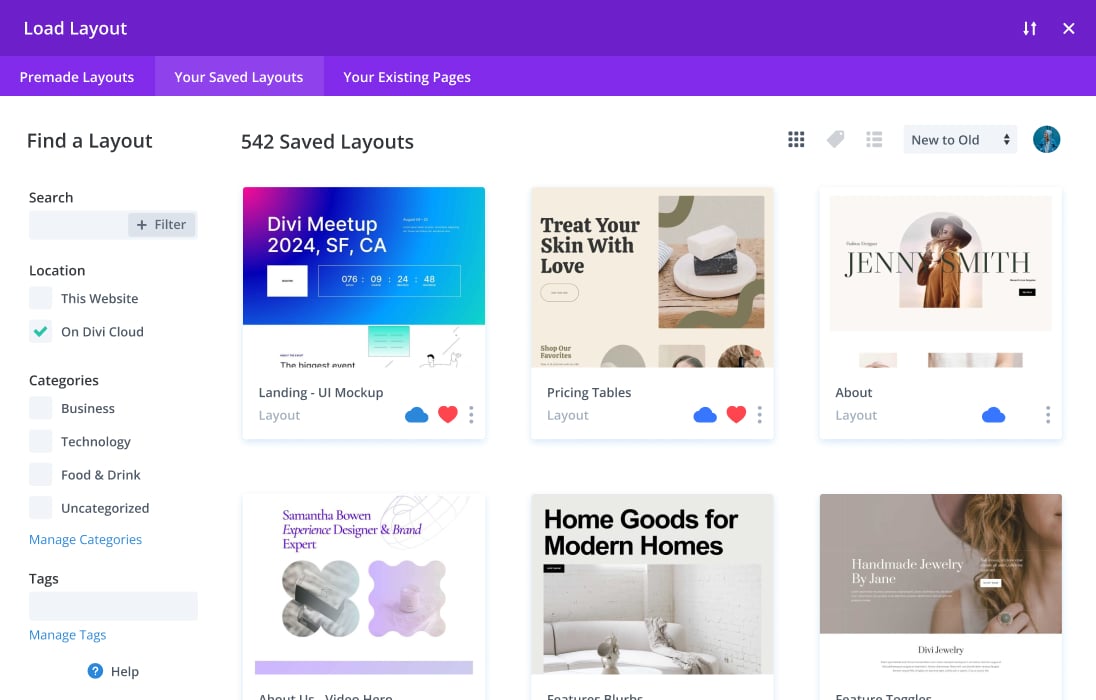
How the AI Website and Online Store Builder Works


Wordpress DIVI
Divi AI allows you to generate texts, images, and even entire modules and sections directly in the builder. It works within WordPress and analyzes the context of the website to build layout and content for SEO and sales faster.

Wordpress Elementor
Elementor AI generates layouts (containers), texts, and graphics in the WordPress editor, so you build a website faster and more consistently. This AI is built into Elementor’s workflow, not “next to it.”
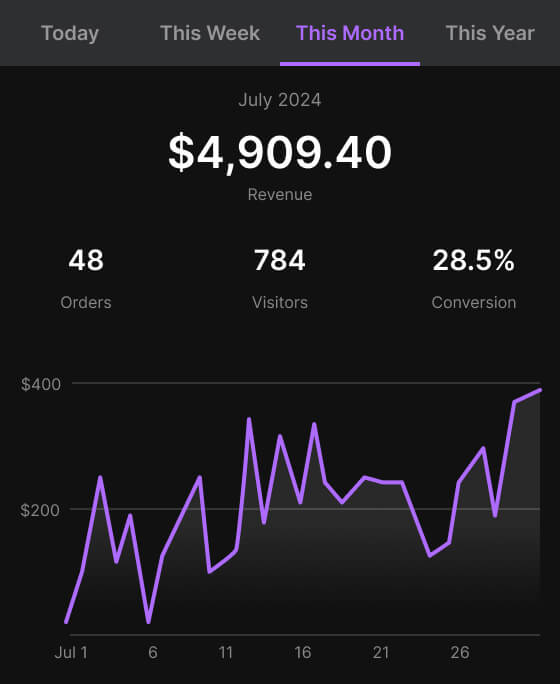

AI Website Generator
WordPress DIVI AI Website Builder
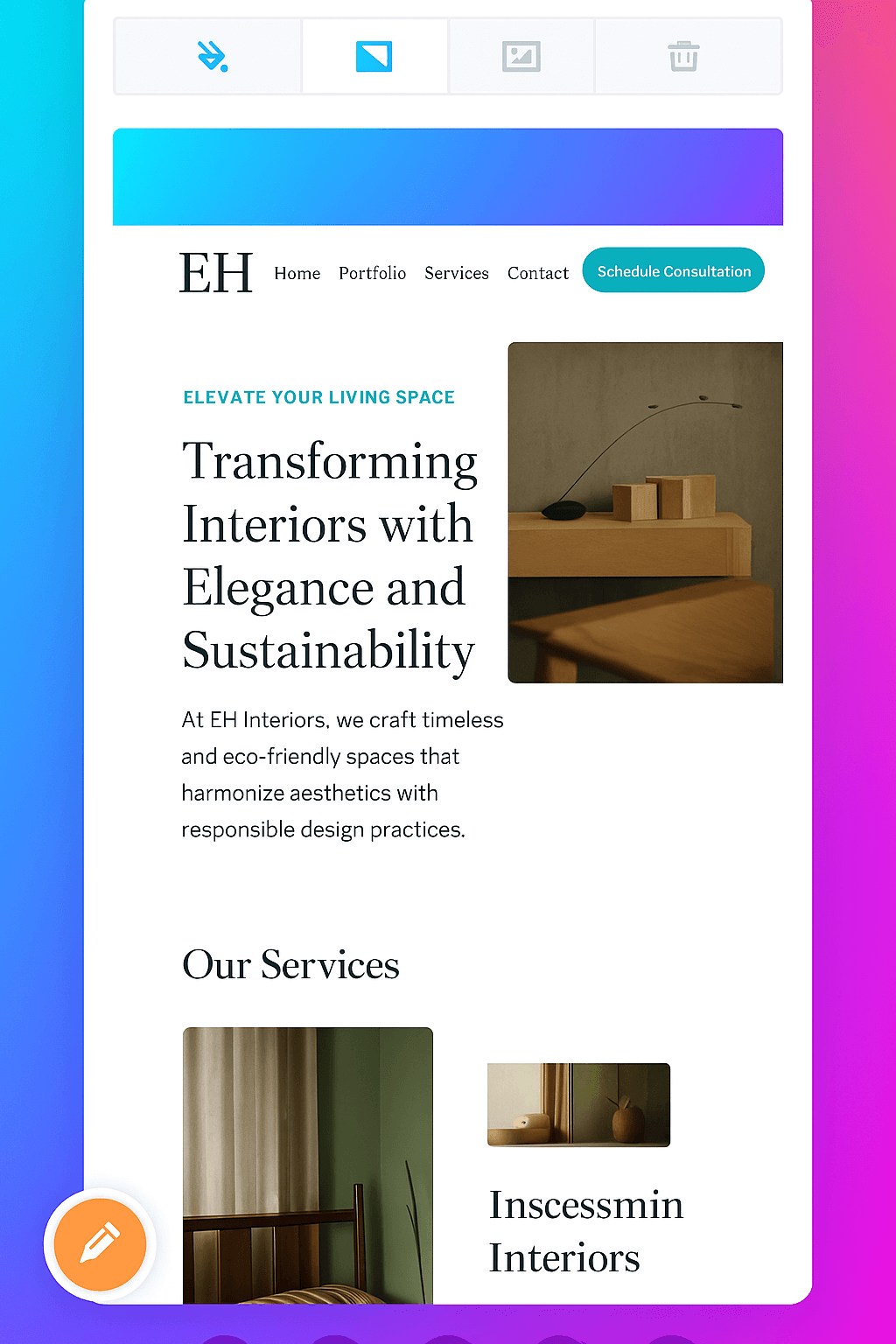
If you’re running on WordPress and want to take advantage of the benefits of AI in your daily work, Divi by Elegant Themes is one of the most advanced and flexible solutions available on the market. It’s not just a classic drag-and-drop page builder – it’s a complete ecosystem for creating smart, beautiful, and converting websites, ready for full integration with AI technologies.
Divi combines the visual simplicity of building websites with a professional depth of features – from UX personalization, through animations and interactive effects, to content automation thanks to integrations with ChatGPT, AI Engine, or new experimental features from Divi AI Labs.
What’s more – Divi allows you to implement AI into the design process in no time. You can generate texts directly in the editor, automate SEO descriptions and headings, translate content, and even plan the layout of the page based on the input. All this without leaving the WordPress panel and without the need for code.
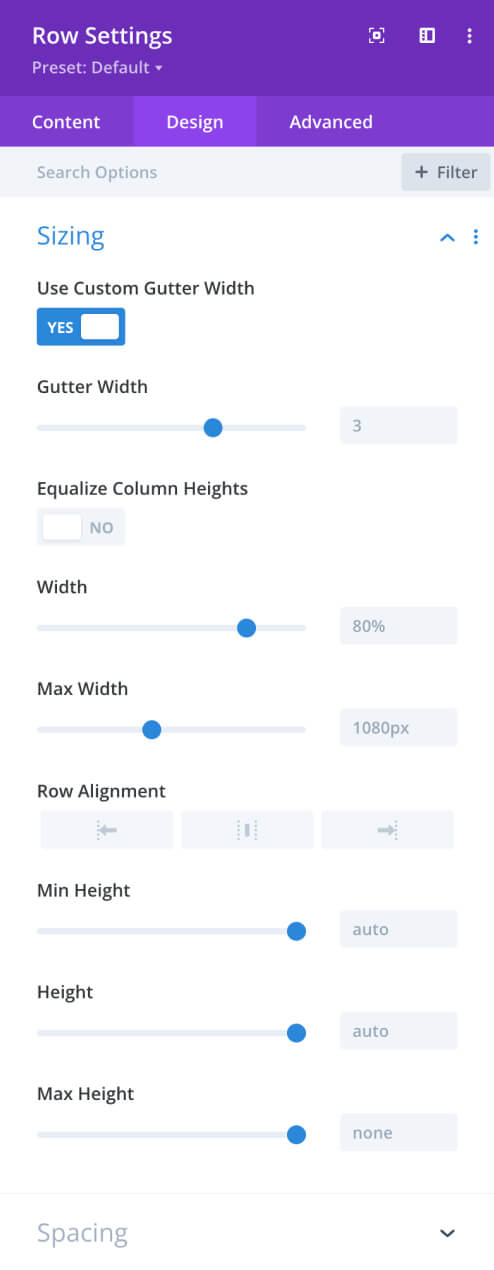
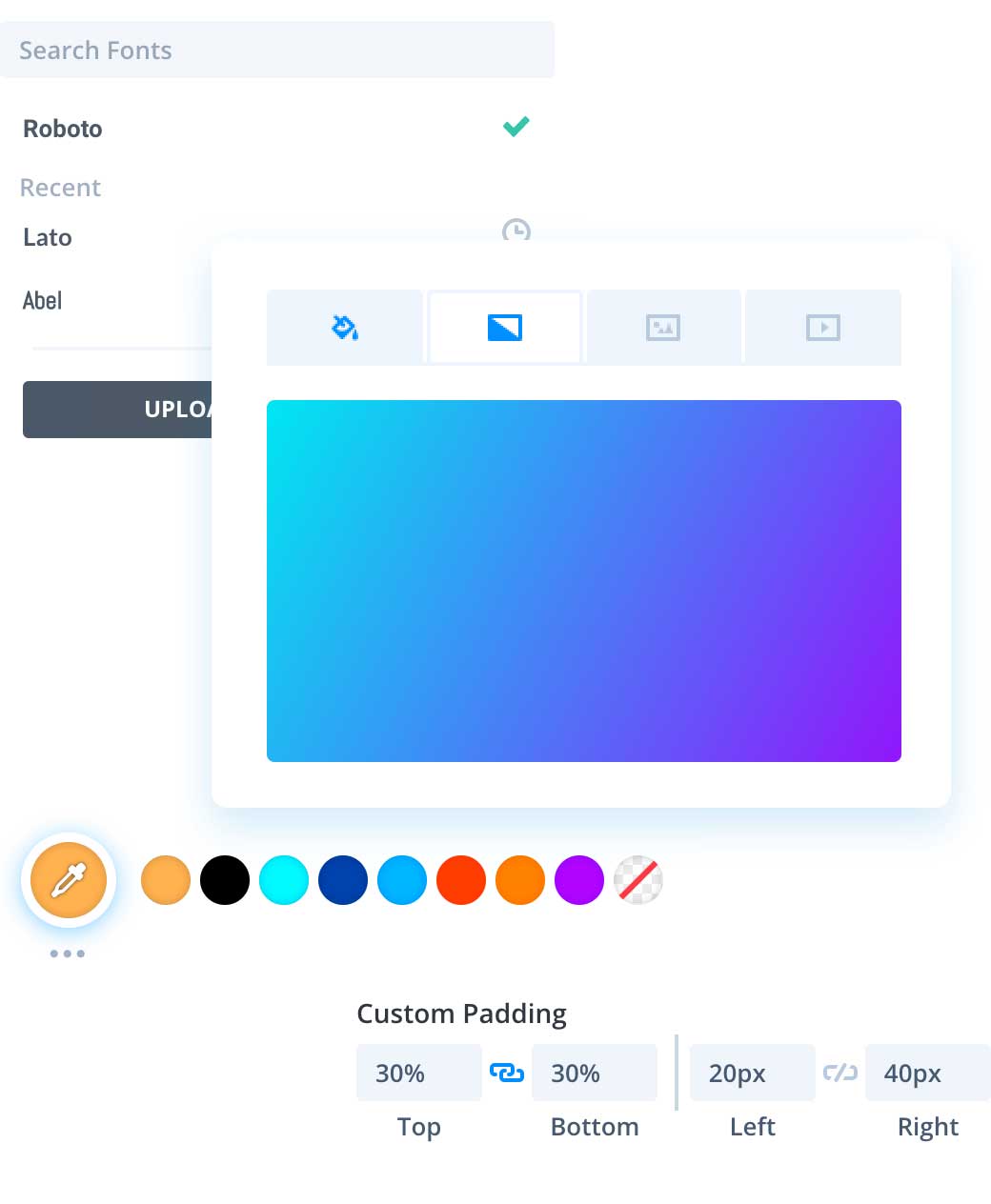
Why DIVI AI?
- Visual editor allows you to instantly modify the appearance of the website without coding
- Integration with ChatGPT / OpenAI allows you to generate section texts, headings, and meta descriptions directly in the editor
- Ready-made Divi templates can be instantly supplemented with AI content for SEO and sales
- Full control over the look and UX – perfect for those who want more than just a simple builder
AI Website Generator
WordPress Elementor
Elementor is the world’s most popular drag & drop page builder for WordPress. From now on – thanks to AI integrations – it has become an even more powerful tool for creating pages faster, better and effortlessly. It’s perfect for freelancers, agencies, and business owners who want to have full control over the project, but with the help of artificial intelligence.
What does WP lementor have?
-
Live Builder + AI Text-based – you create layout and content at the same time, without switching between editors
-
AI plugins for Elementor – e.g. AI Engine, Bertha.ai, GetGenie – integrate directly into the interface
-
SEO Content Generation – Automatic Headlines, Leads, Meta Descriptions, and Sales-Style CTAs
-
Full responsiveness and design – ready-made templates + the ability to generate AI graphics (e.g. via Unsplash AI, Canva or Midjourney)
-
Integrations with WooCommerce, newsletters, CRM, automation
AI Video Generator
Make money on Instagram, Facebook, Youtube or Only Fans.
Frequently Asked Questions About AI Website Builders
How is Divi different from Elementor?
Both builders run on WordPress and offer a drag-and-drop editor, but:
-
Elementor has a more modular structure, faster onboarding, and a rich ecosystem of plugins.
-
Divi offers a complete theme + builder, an integrated visual editor, and custom templates.
Divi is better for building entire pages from scratch, and Elementor is better for quick landing pages and customer pages.
Do Divi and Elementor work with AI?
Yes. Both builders support integrations with AI tools such as:
-
ChatGPT / GPT-4 (via API, AI Engine or dedicated plugins)
-
Bertha.ai – generating content directly in the editor
-
GetGenie / WP Wand / AI Assistant – generate SEO texts, headings, meta tags
Divi is also experimenting with its own solution: Divi AI (beta).
Do I need programming skills to use Divi or Elementor?
No. Both tools were created for users without code knowledge. Everything is based on a drag & drop interface. For advanced users, there is an option to add CSS, JS, and tracking codes.
Which AI page builder supports SEO better?
Both offer advanced SEO features, but Elementor has more dedicated add-ons and fuller integration with plugins like Yoast SEO, Rank Math , or SEOPress. Divi, on the other hand, has its own SEO settings and integrates with the main tools, but in a more closed ecosystem.
Can I transfer a page from Elementor to Divi (or vice versa)?
Yes, but not automatically. Both builders generate their own shortcodes and structure, so migration requires manually moving content and recreating layouts. For simple websites, it is better to create a new design from scratch in the tool of your choice.
How much does Divi cost and how much does Elementor cost?
-
Elementor: From $59/year for a single page, up to $399/year for 1,000 pages
-
Divi: $89/year or $249 lifetime (Unlimited websites)
Both builders offer free versions, but you get the most features in the Pro versions.
Can I create online stores with Divi or Elementor?
Yes. Both tools have full integration with WooCommerce and allow you to create product pages, cart, checkout, and sales forms – with the help of ready-made blocks or plugins (e.g. Crocoblock, Divi WooCommerce Modules).

